Meme Trading Suite
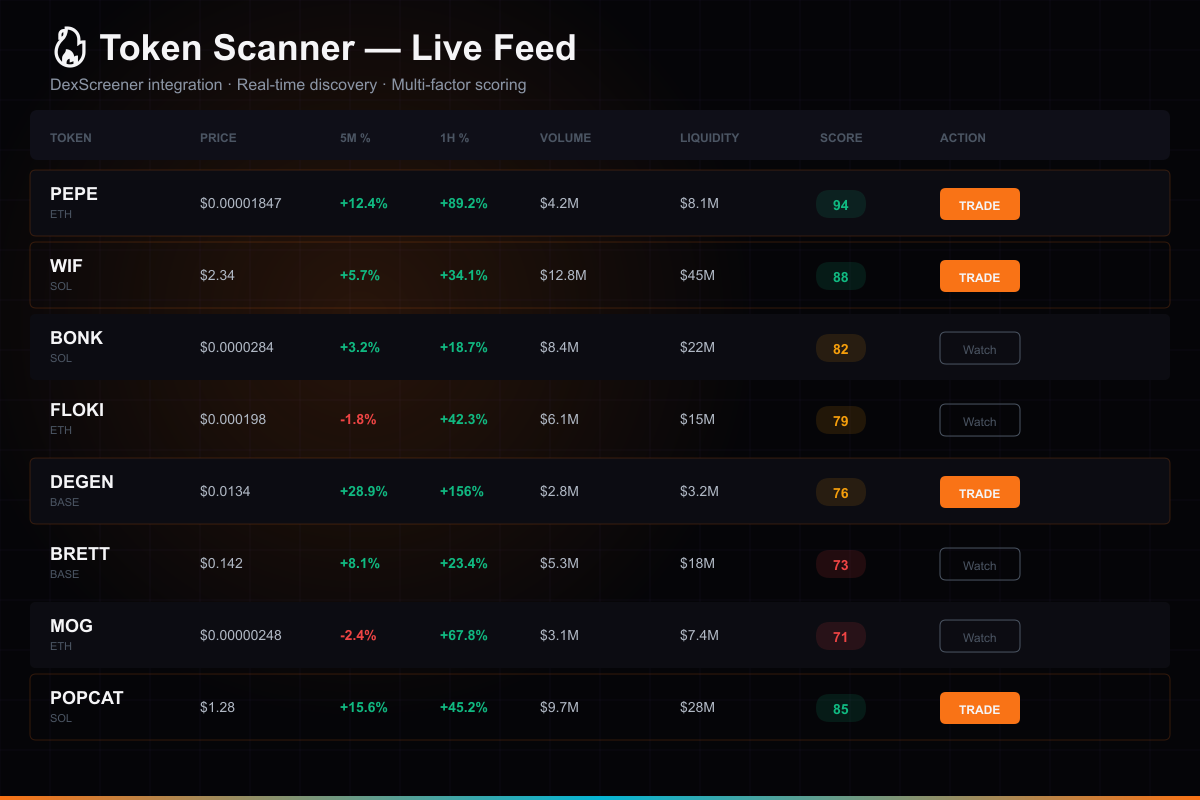
The complete meme coin trading system — 9-tab dashboard with DexScreener scanner, autonomous agents, smart money tracking, Solana execution, and signal engine. 28 source files, fully integrated.
You are purchasing software source code and architecture — not financial advice or guaranteed returns. Trading involves substantial risk of loss. Full disclaimer →
🎬 Product Demo
📸 Screenshots
What's Included
About This Product
🚀 **Premium Plugin for AI Trading Dashboard** — A comprehensive meme coin trading UI and engine architecture. 28 source files of production TypeScript.
**What you're buying:** The complete frontend, backend, and agent framework for meme coin trading — scanner UI, agent engine, signal system, and execution templates. This is source code and architecture you customize and deploy yourself.
9-Tab Dashboard UI:
1. **Scanner** — DexScreener trending tokens with volume/mcap filters
2. **New Pairs** — Tokens less than 24h old across all chains
3. **Watchlist** — Track tokens with configurable price alerts
4. **Search** — Find any token across all supported chains
5. **Trades** — Trade history with P&L analytics
6. **Alerts** — Price, volume, and market cap alert system
7. **Smart Money** — Whale wallet tracking interface
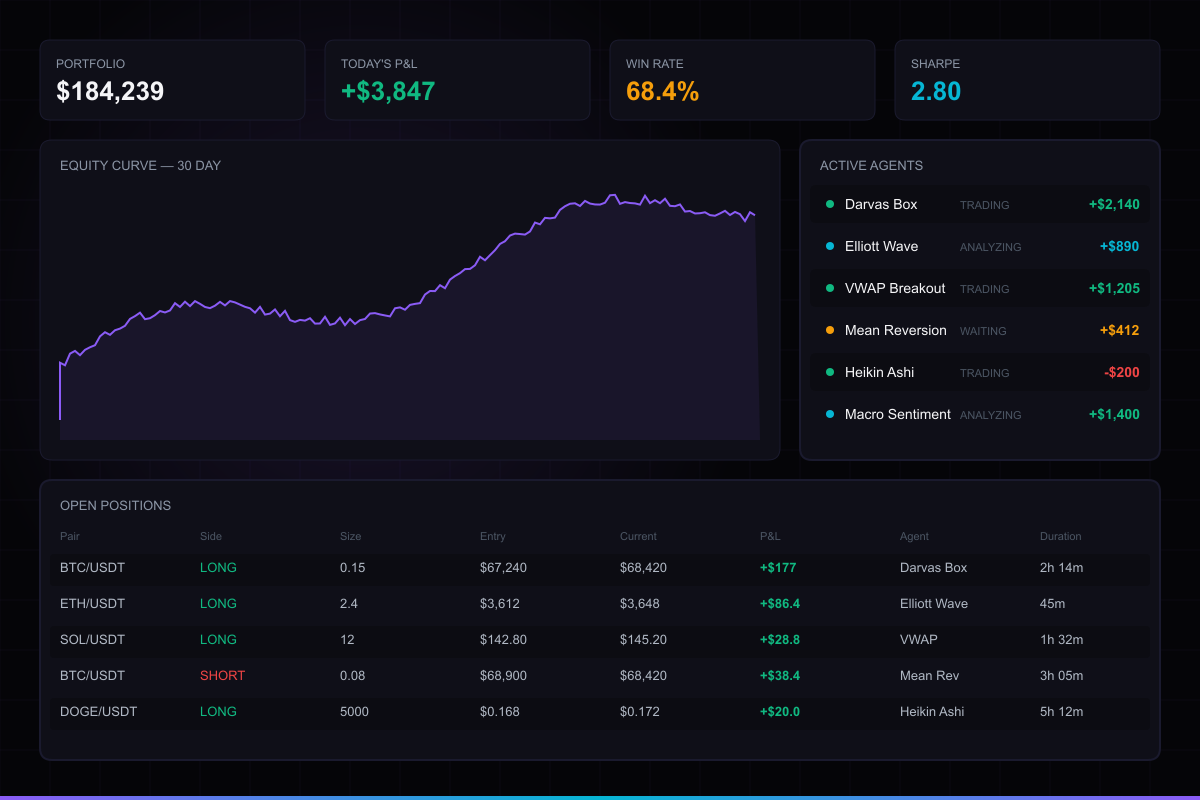
8. **Agents** — Autonomous agent framework (momentum, sniper, scalper strategy templates)
9. **Settings** — Agent config, wallet management, risk parameters
Engine & Backend (28 files):
What makes this different:
👉 **Try the live demo** to see the 9-tab interface with real-time DexScreener data.
⚠️ **Risk Warning:** Meme coin trading is extremely high-risk. Most meme coins lose most or all of their value. This software provides tools for trading — it does not guarantee profits or reduce the inherent risk of meme coin markets. You could lose your entire investment. See our Trading Disclaimer.
**Installation:** Run the included `install.bat` (Windows) or `bash install.command` (Mac) — it copies everything to the right place. Restart your dashboard and the Meme Trading tabs appear in the sidebar.
**Requires:** AI Trading Dashboard ($149) + Supabase + Solana RPC endpoint
**You provide:** Your own exchange keys, wallets, capital, and risk management.
How to Set Up
Get up and running in under 10 minutes. Full documentation included in the download.
Download & extract
After purchase, download the zip file and extract it to a folder on your machine.
Run the setup script
Double-click QUICK-START.bat (Windows) or QUICK-START.command (Mac). It installs dependencies, creates your config, and opens the dashboard automatically.
Configure API keys
The Setup Wizard opens in your browser and walks you through connecting Hyperliquid, Supabase, and your AI provider.
Start trading
Your dashboard is ready. Create agents, configure strategies, set risk limits, and let them trade.
What you need: Node.js 18+ and a free Supabase account. The QUICK-START script handles installation automatically. Demo mode works out of the box — no API keys needed to preview.