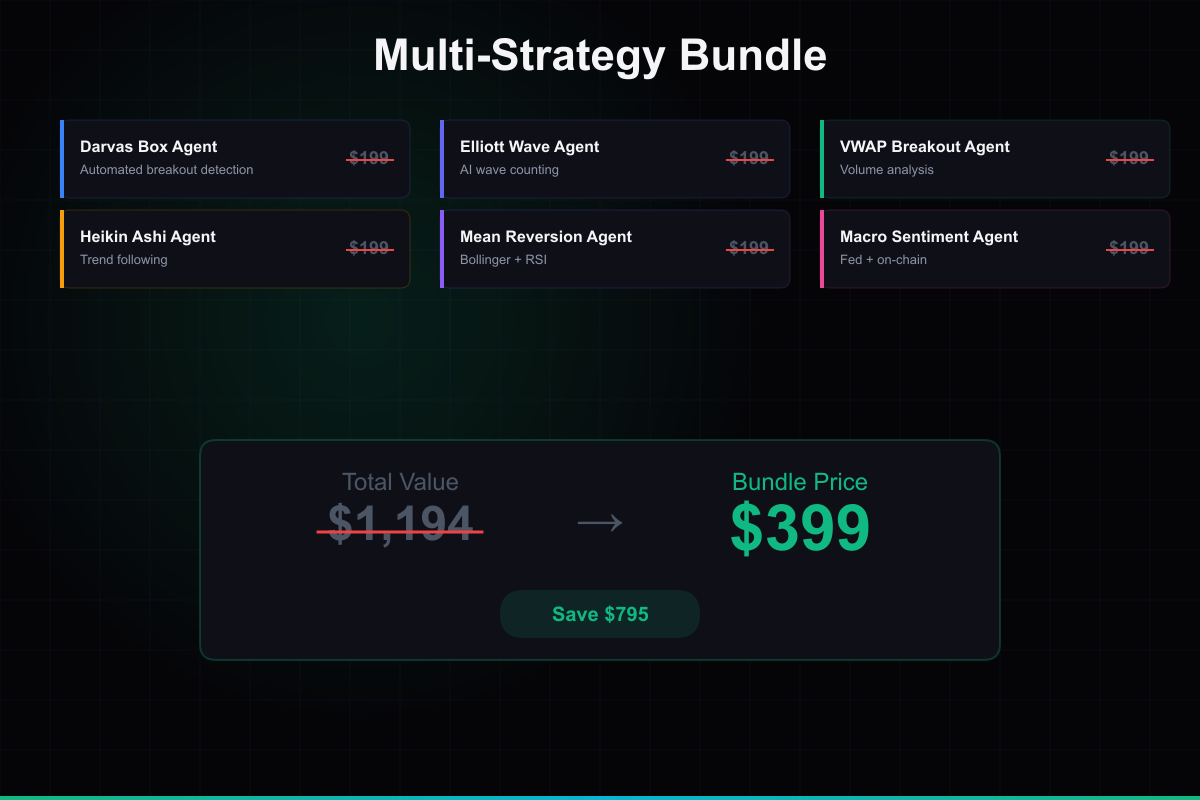
Multi-Strategy Bundle
✅ Includes the AI Trading Dashboard — Six strategy frameworks in one package. Darvas Box, Elliott Wave, VWAP Breakout, Heikin Ashi, Mean Reversion, and Macro Sentiment. Run them as a coordinated farm with shared risk management.
You are purchasing software source code and architecture — not financial advice or guaranteed returns. Trading involves substantial risk of loss. Full disclaimer →
🎬 Product Demo
📸 Screenshots
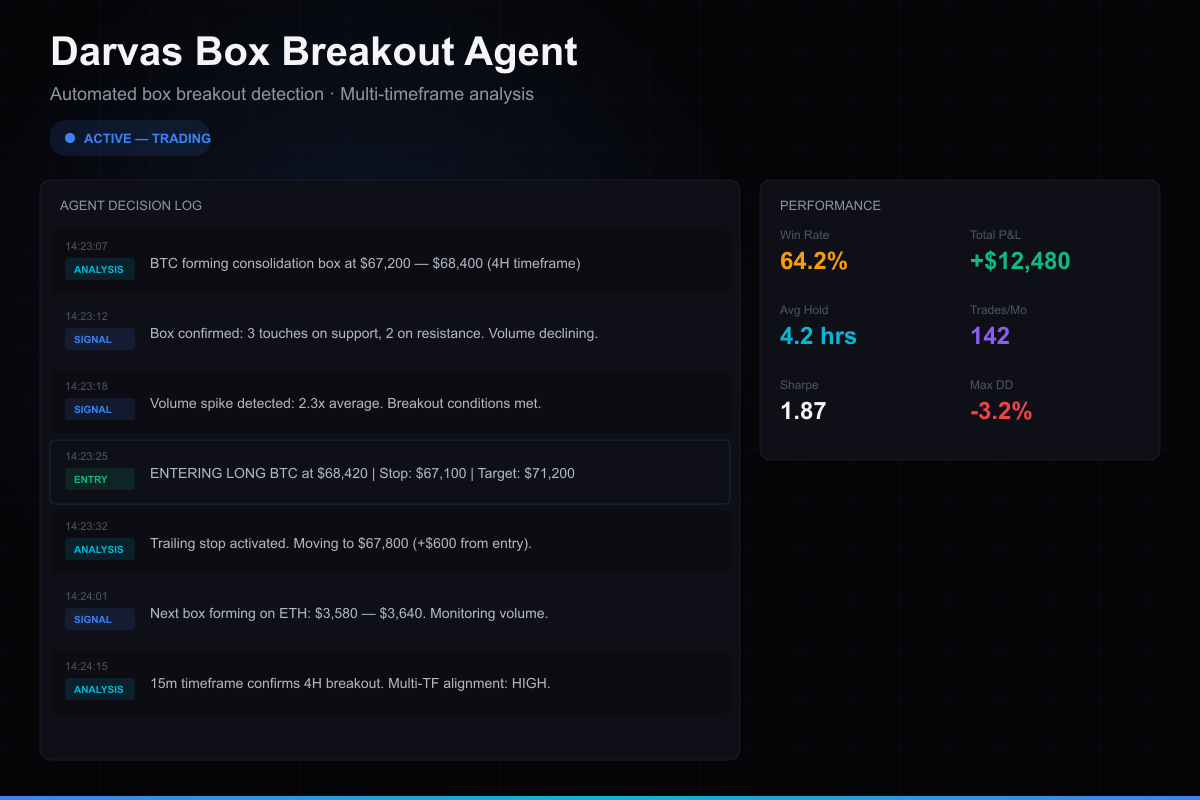
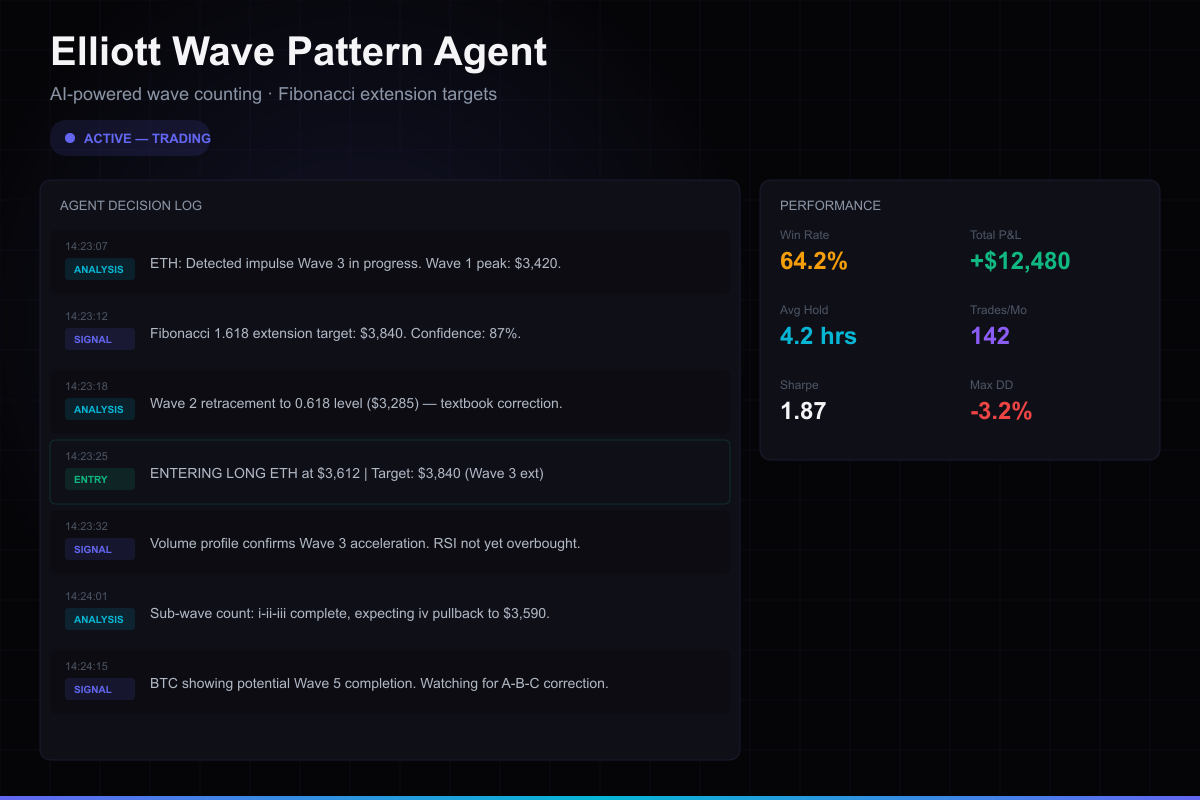
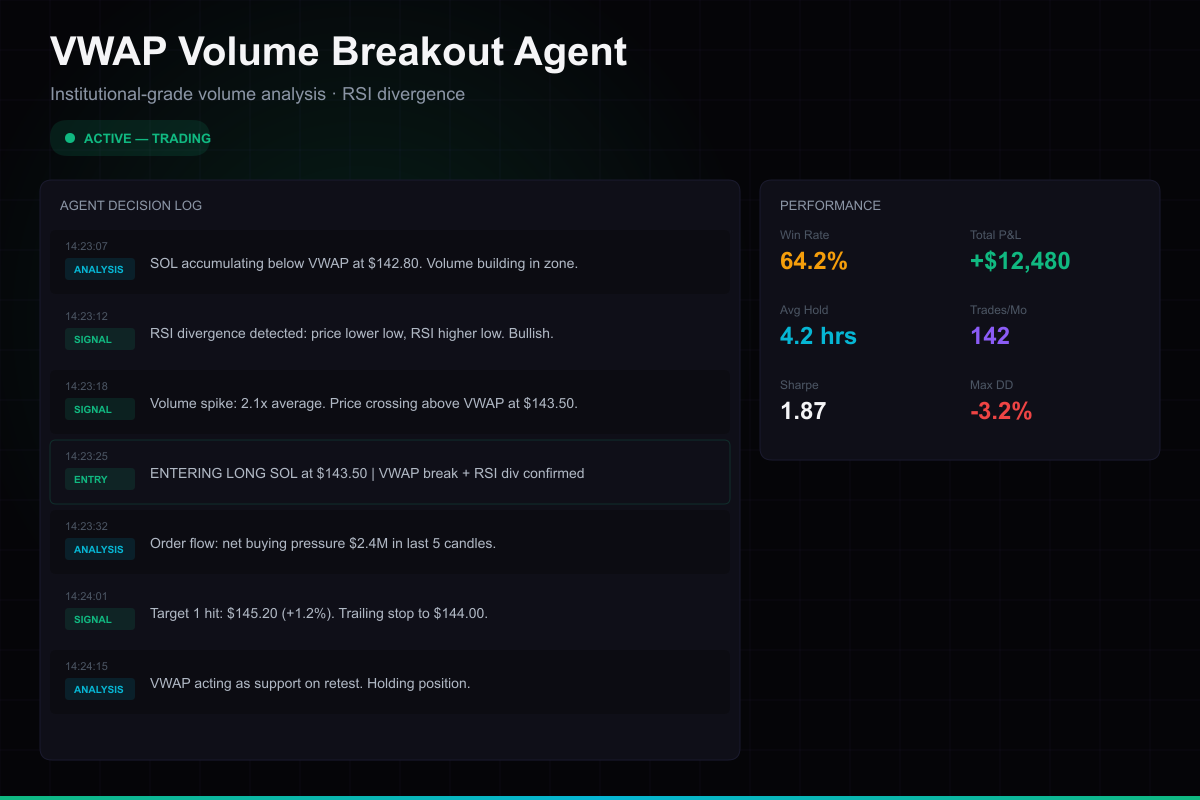
What's Included
About This Product
✅ **Includes the AI Trading Dashboard** — Six strategy architectures in one package: Darvas Box, Elliott Wave, VWAP Breakout, Heikin Ashi, Bollinger Band Mean Reversion, and Macro Sentiment. Run them as a coordinated farm with shared risk management.
**🔌 Plugin for the AI Trading Dashboard** — unzip all 6 strategy folders into your dashboard's `plugins/` directory, restart, and use the farm orchestrator to coordinate them.
Strategy frameworks included:
1. **Darvas Box** — Breakout detection with consolidation zones
2. **Elliott Wave** — AI-powered wave pattern analysis
3. **VWAP Volume Breakout** — Volume-weighted momentum signals
4. **Heikin Ashi** — Smoothed candle trend detection
5. **Bollinger Band Mean Reversion** — Statistical mean reversion
6. **Macro Sentiment** — Market regime detection and farm coordination
Plus:
**What you're buying:** Six agent frameworks and a farm orchestration architecture. Source code you customize, test, and deploy yourself.
⚠️ *Trading involves substantial risk. No strategy guarantees profits. See disclaimer.*
**Integrates with:** AI Trading Dashboard ($149) — unzip all 6 agent folders into `plugins/`, restart dashboard — done.
How to Set Up
Get up and running in under 10 minutes. Full documentation included in the download.
Download & extract
After purchase, download the zip file and extract it to a folder on your machine.
Run the setup script
Double-click QUICK-START.bat (Windows) or QUICK-START.command (Mac). It installs dependencies, creates your config, and opens the dashboard automatically.
Configure API keys
The Setup Wizard opens in your browser and walks you through connecting Hyperliquid, Supabase, and your AI provider.
Start trading
Your dashboard is ready. Create agents, configure strategies, set risk limits, and let them trade.
What you need: Node.js 18+ and a free Supabase account. The QUICK-START script handles installation automatically. Demo mode works out of the box — no API keys needed to preview.